

Do you want to enjoy your favorite music or podcasts in your car without relying on expensive upgrades? Adding an auxiliary input to your car stereo is easier than you think, and it can transform your driving experience instantly.
Imagine plugging in your phone or music player and hearing crystal-clear sound through your car’s speakers. In this guide, you’ll discover simple, step-by-step methods to add an auxiliary input to your car stereo, no matter your skill level. Keep reading, and you’ll be ready to upgrade your car audio system today!
Choose The Right Auxiliary Adapter
Choosing the right auxiliary adapter is a key step to successfully add an auxiliary input to your car stereo. Not all adapters work with every stereo system, so understanding what fits your setup can save you time and frustration. Let’s break down how to find the perfect match for your car’s audio system.
Identify Your Car Stereo Model
Start by checking the make and model of your car stereo. You can usually find this information on the front panel or inside the user manual. Knowing your stereo’s exact model helps you determine which auxiliary inputs it supports.
Sometimes, the model number is on a sticker on the back of the stereo unit itself. If you’re unsure, try searching the model number online to find detailed specifications. This step avoids buying incompatible adapters that won’t connect properly.
Types Of Auxiliary Inputs
Auxiliary inputs come in various forms, including 3.5mm jacks, RCA connectors, and USB ports. Some older stereos only have RCA inputs, while newer models might have a dedicated 3.5mm aux port or Bluetooth capability.
Ask yourself: does your stereo have a visible aux port, or will you need an adapter that connects through the CD changer or cassette player? Understanding the type of input your stereo accepts is crucial before making a purchase.
Compatible Adapter Options
There are several adapter types to consider, depending on your stereo’s input options. Popular choices include:
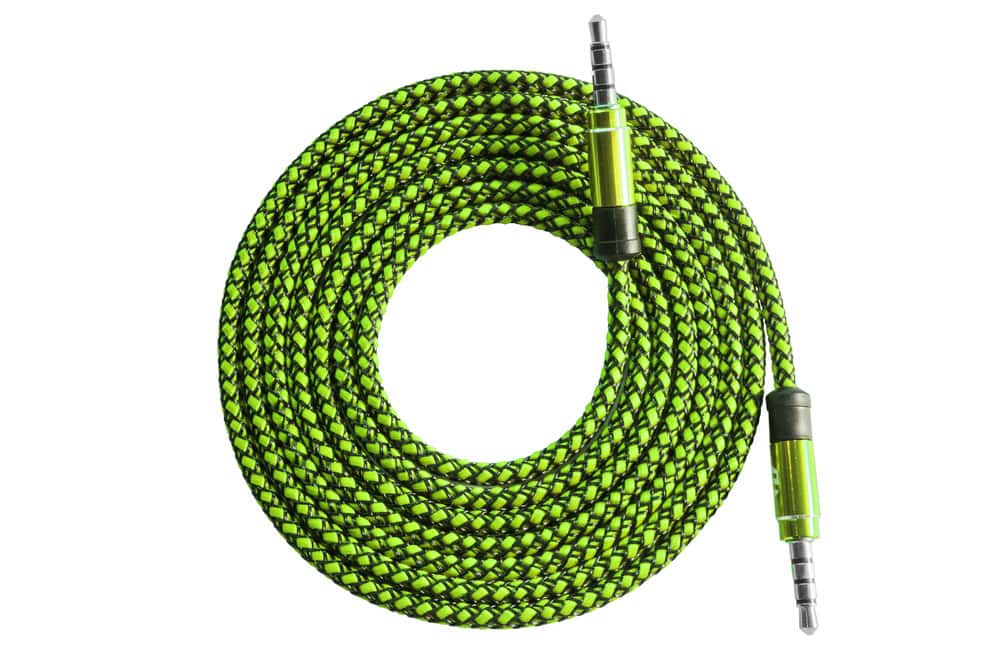
- 3.5mm AUX Cable:Simple and effective if your stereo has a headphone jack or aux input.
- FM Transmitter:Great for stereos without aux ports; it transmits audio via an FM frequency.
- Bluetooth Adapter:Connects wirelessly and often plugs into the aux or USB input.
- CD Changer Adapter:Connects through the stereo’s CD changer port, common in some older car systems.
- Cassette Adapter:Fits into the cassette player slot, useful for vintage stereos.
Think about your daily routine: do you want a wireless setup, or will a wired connection work better? Matching the adapter to your car stereo and lifestyle ensures a hassle-free experience.
Gather Necessary Tools And Materials
Adding an auxiliary input to your car stereo can transform your driving experience, letting you play music from any device with ease. Before you dive into the installation, you need to gather the right tools and materials. Having everything at hand will save you time and help avoid frustration during the process.
List Of Required Tools
- Auxiliary input adapter– This is the key component that connects your device to the stereo.
- Screwdrivers– Both flathead and Phillips types are usually needed to remove panels and the stereo unit.
- Wire stripper and cutter– Essential for preparing wires cleanly and safely.
- Electrical tape or heat shrink tubing– To insulate and protect your wire connections.
- Multimeter– Useful for checking voltage and ensuring correct wiring.
- Panel removal tool– Helps pry off trim pieces without damage.
- Soldering iron and solder(optional) – For creating strong, permanent wire connections.
Do you have all these tools ready? Missing one can delay your project or cause mistakes.
Safety Precautions
Working with your car’s electrical system requires caution. Always disconnect the car battery before starting to prevent any shorts or shocks.
Wear protective gloves to avoid cuts from sharp edges inside the dashboard. It’s easy to underestimate these hazards, but a small injury can quickly spoil your day.
Take your time to double-check wire connections before powering up the stereo again. Have you ever powered something too soon and had to backtrack? Avoid that frustration by testing as you go.
Prepare Your Car Stereo
Preparing your car stereo is the first step before adding an auxiliary input. This ensures a smooth installation and avoids any damage to your system. Taking time to get ready can save frustration later. Start by gaining access to the stereo and checking for existing input options. This way, you know exactly where and how to connect the auxiliary cable.
Remove Stereo Panel
Begin by turning off your car and disconnecting the battery. This prevents any electrical issues during the process. Use a panel removal tool or a flat screwdriver wrapped in cloth to avoid scratches. Carefully pry off the stereo panel to expose the stereo unit. Take your time to avoid breaking any clips or damaging the dashboard. Once the panel is removed, you will see the stereo and its mounting screws.
Locate Audio Input Ports
Look at the back of the stereo for any existing input ports. Common ports include RCA jacks, AUX input, or a CD changer port. If your stereo has an AUX port, you can connect the auxiliary cable directly. Some stereos require an adapter to use the CD changer port as an auxiliary input. If you do not see any input ports, the stereo may need additional hardware for the connection. Knowing the type of input ports helps you choose the right auxiliary input method.
Install The Auxiliary Input
Installing an auxiliary input to your car stereo lets you enjoy music from your phone or other devices with ease. This process involves connecting an adapter to your stereo, making sure all wiring is secure, and testing the setup to confirm it works perfectly. Let’s dive into the key steps to get your car stereo ready for your favorite tunes.
Connect Adapter To Stereo
Start by locating the back of your car stereo. You may need to remove the stereo unit from the dashboard to access the wiring.
Connect the auxiliary adapter cable to the appropriate port on the stereo. This could be a dedicated AUX input port or a compatible connection via an adapter harness.
Make sure the connection is firm but avoid forcing any plugs into the wrong sockets. A loose connection can cause sound issues later on.
Secure Wiring Properly
Once the adapter is connected, organize the wires so they don’t hang loosely behind the dashboard. Use zip ties or electrical tape to bundle cables neatly.
Check that none of the wires are pinched or stretched when you push the stereo back into place. Damaged wiring can lead to shorts or connection failures.
Good wiring management not only prevents damage but also makes future maintenance easier. Have you ever struggled to find a loose wire after a messy install?
Test Connection
Before fully reassembling your dashboard, turn on your car stereo and connect a device to the auxiliary input.
Play music or audio to check for clear sound and proper volume levels. If you notice static or no sound, double-check the connections and wiring.
Testing early saves time and frustration. Would you rather troubleshoot now or after putting everything back together?
Alternative Methods For Adding Auxiliary Input
Adding an auxiliary input to your car stereo doesn’t always require complex wiring or professional installation. There are practical alternatives that can seamlessly connect your devices and enhance your in-car audio experience. These options suit different budgets and technical comfort levels, giving you flexibility on how you want to upgrade your setup.
Using Fm Transmitter
An FM transmitter is a simple device that broadcasts audio from your phone or MP3 player over a short-range FM radio frequency. You just plug your device into the transmitter, tune your car radio to the same frequency, and enjoy your music through the car speakers.
This solution is perfect if your stereo lacks any auxiliary ports. However, sound quality depends on signal strength and possible interference from nearby radio stations. Have you noticed static or interruptions when using an FM transmitter before? Choosing a less crowded frequency can improve your listening experience.
Bluetooth Adapters
Bluetooth adapters provide a wireless way to connect your smartphone or tablet to your car stereo. You plug the adapter into your stereo’s auxiliary or CD input, then pair it with your device via Bluetooth.
This method adds convenience by eliminating cables and allowing hands-free calls. Some adapters even offer controls on the steering wheel or voice commands. Think about how much easier your drive would be without fumbling for cables every time you get in the car.
Cassette Adapter Option
If your car stereo still has a cassette player, a cassette adapter can be a clever way to add an auxiliary input. The adapter looks like a cassette tape but has a cable that connects to your device’s headphone jack.
This option requires no installation and works instantly. The sound quality is generally good, though it depends on the condition of your tape deck. Have you ever found an old cassette adapter and wondered if it could bring new life to your classic stereo?

Credit: idoneitmyself.com
Troubleshooting Common Issues
Troubleshooting common issues helps keep your auxiliary input working smoothly. Problems can arise from simple causes. Quick checks often fix most problems.
Start by checking connections and cables. Clean or replace any damaged parts. Confirm the stereo is set to the correct input mode.
No Sound Output
Check if the aux cable is fully plugged in. Test the cable with another device to rule out damage. Make sure the car stereo is on the auxiliary input setting. Increase the volume on both the stereo and the connected device. Inspect the device’s headphone jack for dirt or damage.
Static Or Interference
Try using a shielded aux cable to reduce noise. Keep cables away from power cords or other electronics. Ensure the car battery and stereo ground connections are secure. Adjust the device’s volume to avoid distortion. Replace old or worn cables that might cause static.
Connection Drops
Look for loose or worn cable connectors. Use cables with firm and snug plugs. Avoid moving the device while connected. Inspect the aux port for dust or debris and clean it gently. Test with a different device to isolate the problem source.
Tips For Maintaining Your Auxiliary Setup
Maintaining your auxiliary input setup keeps your music clear and your connection strong. Small habits protect your cables and ports from damage. Consistent care ensures smooth use every drive. Follow simple steps to avoid common issues and enjoy uninterrupted sound.
Keep Cables Organized
Untidy cables can get tangled or damaged quickly. Use cable clips or ties to keep them neat. Store cables in a pouch when not in use. Avoid bending or twisting the cords sharply. Organized cables last longer and work better.
Regularly Check Connections
Loose or dirty connections cause poor sound quality. Inspect plugs and ports often for dust or debris. Clean connectors gently with a soft cloth or brush. Push plugs in firmly but avoid forcing them. Tight connections improve audio and prevent cuts.
Credit: autowiringpro.com

Credit: www.reddit.com
Frequently Asked Questions
What Is An Auxiliary Input In A Car Stereo?
An auxiliary input allows external audio devices to connect to your car stereo. This connection provides a direct audio link for playing music or podcasts. It’s a convenient way to use devices like smartphones or MP3 players without needing advanced audio integration.
How Do I Identify My Car Stereo Model?
To identify your car stereo model, check the manual or the stereo’s front panel. Some models have the information printed directly on them. Alternatively, you can remove the stereo unit and find a label or sticker with the model number.
Can Any Car Stereo Have An Auxiliary Input?
Not all car stereos come with an auxiliary input. Older models might lack this feature. However, many stereos can be modified to add an auxiliary input. Check your stereo’s specifications or consult with a professional for compatibility.
Is It Easy To Install An Auxiliary Input?
Installing an auxiliary input can be straightforward if you have basic knowledge of car electronics. You’ll need some tools and possibly an adapter kit. If you’re unsure, it’s best to seek professional assistance to avoid damaging your car stereo.
Conclusion
Adding an auxiliary input to your car stereo is simple and useful. It lets you play music from many devices easily. You only need a few tools and some basic steps. This small upgrade improves your driving experience. Enjoy clear sound and your favorite tunes on the road.
Try it yourself and hear the difference today.

