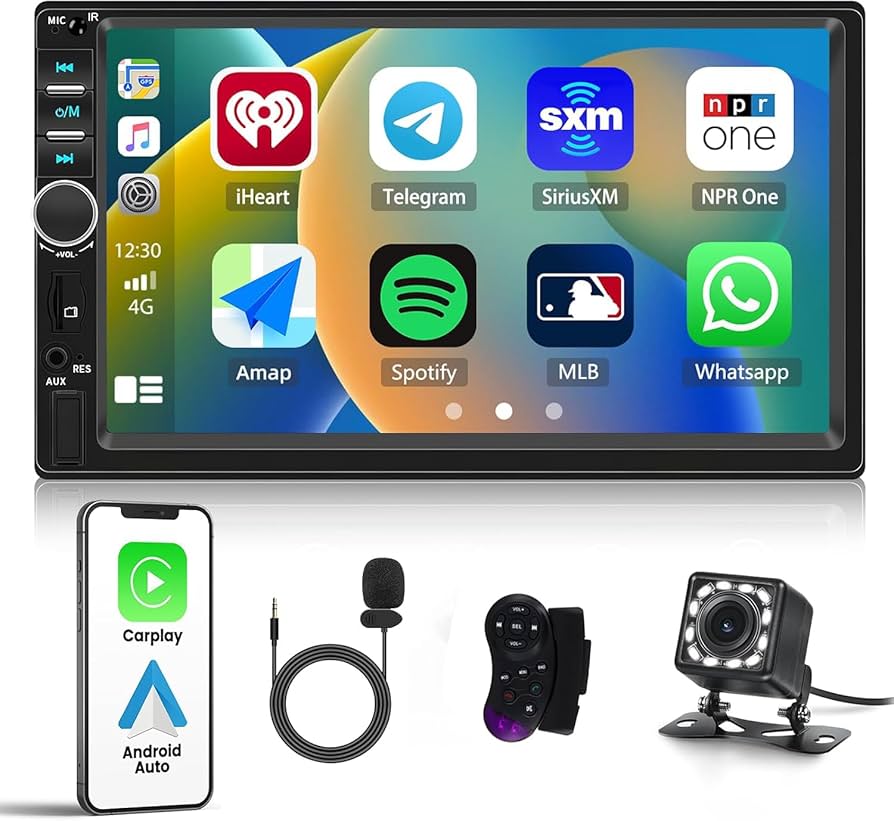
What is an Android Car Stereo: Ultimate Guide for Smart Drivers
Have you ever wondered what makes your car’s entertainment system truly smart? An Android car stereo might be the answer you’re looking for.
It’s not just about playing music anymore—it’s about having a powerful, easy-to-use device that connects your phone, navigation, apps, and more, all while you drive. If you want to upgrade your driving experience and stay connected on the road, understanding what an Android car stereo is can change the way you see your car’s dashboard.
Keep reading, and you’ll discover how this technology can make every trip more enjoyable and safer.
Credit: www.newegg.ca
Android Car Stereo Basics
Understanding the basics of an Android car stereo can change how you experience driving. It’s not just about playing music; it’s about turning your car’s dashboard into a smart, interactive space. Let’s break down what makes these systems stand out and how they fit into your vehicle.
Core Features
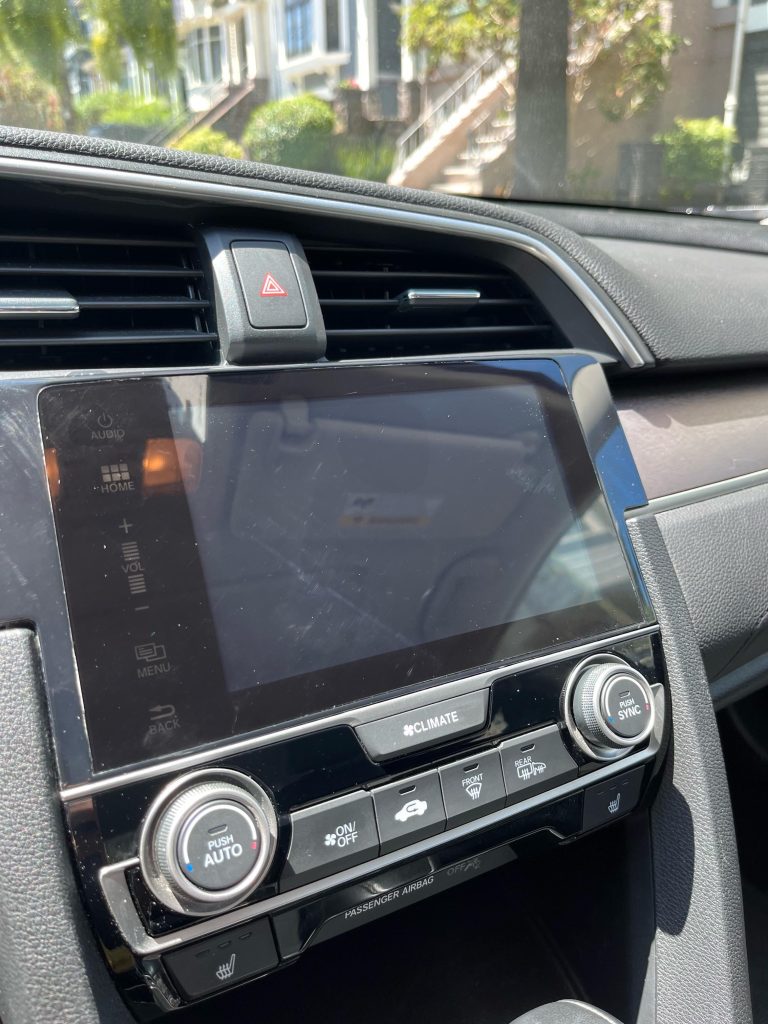
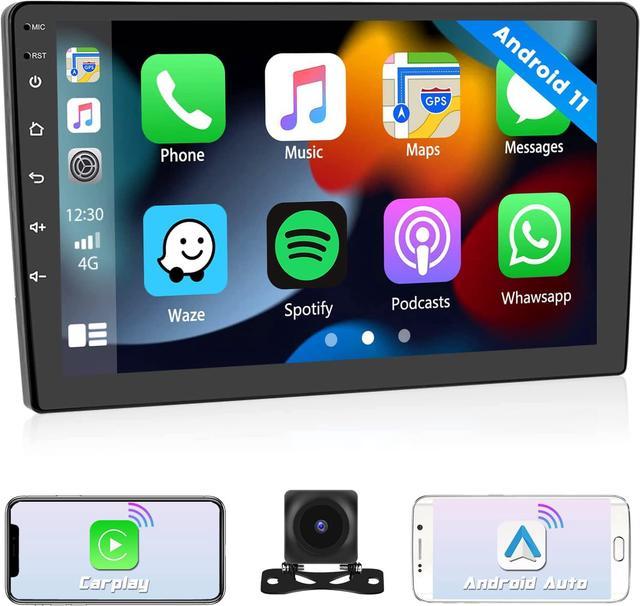
Android car stereos offer much more than traditional radios. They come with touchscreens that respond quickly to your commands, making navigation easy and intuitive.
- Navigation:Access Google Maps or Waze directly from your dashboard.
- Entertainment:Stream music and podcasts from apps like Spotify or YouTube Music.
- Connectivity:Pair your smartphone via Bluetooth or USB for hands-free calls and messages.
- Voice Control:Use Google Assistant to keep your eyes on the road while controlling your stereo.
These features let you stay connected and entertained without distraction. Have you ever tried using voice commands to change music while driving? It feels like having a co-pilot.
How It Works
At its core, an Android car stereo runs on the Android operating system, similar to your phone or tablet. This means it can run apps from the Google Play Store designed for driving safety and convenience.
The stereo connects to your car’s power and speakers, acting as a central hub for audio and information. When you tap the screen or speak a command, the system processes it through the Android software to deliver the desired action.
Think of it as a mini-computer dedicated to your driving experience. Have you noticed how seamless it feels when your stereo recognizes your voice and pulls up the route instantly?
Compatibility With Vehicles
Not all Android car stereos fit every vehicle. Compatibility depends on your car’s make, model, and dashboard size. Most manufacturers provide specific models tailored for popular cars.
Before buying, check if the stereo supports your car’s wiring and dashboard dimensions. Some systems offer adapters to fit a wider range of vehicles, but installation might require professional help.
Are you driving a newer car or an older model? Your choice of stereo could differ significantly based on that. Ensuring compatibility saves you time and frustration during installation.

Credit: www.amazon.ca
Benefits For Smart Drivers
Android car stereos offer many benefits for smart drivers. These systems make driving easier and safer. They help drivers stay connected without distraction. The integration of smart features allows better control over music, calls, and apps. Navigation becomes more straightforward with clear directions. Overall, Android car stereos improve the driving experience for tech-savvy users.
Enhanced Connectivity
Android car stereos connect easily with smartphones. Drivers can access contacts, messages, and apps from the stereo screen. Bluetooth and Wi-Fi support keep devices linked without wires. This helps drivers stay connected while keeping their hands on the wheel. Streaming music and podcasts is simple and fast. Enhanced connectivity keeps entertainment and communication within reach.
Voice Control Features
Voice commands make driving safer and more convenient. Drivers can use their voice to make calls or send texts. Changing music or getting directions is possible without touching the screen. Voice control reduces distractions and keeps attention on the road. It supports multiple languages and simple commands. This hands-free option suits smart drivers well.
Navigation And Maps Integration
Built-in navigation helps drivers find routes quickly. Android car stereos support popular map apps like Google Maps. Real-time traffic updates assist in avoiding delays. Voice-guided directions keep drivers focused on the road. Some systems offer lane assistance and speed alerts. Navigation integration saves time and reduces stress during travel.
Key Features To Look For
Choosing the right Android car stereo means focusing on key features. These features impact your driving experience and device usability. Understanding what to prioritize helps pick a stereo that fits your needs.
Screen Size And Resolution
The screen size affects how easy it is to see maps and controls. Larger screens offer better visibility but may not fit all dashboards. Resolution matters for clear images and sharp text. A high-resolution screen reduces eye strain and improves detail.
Audio Quality And Outputs
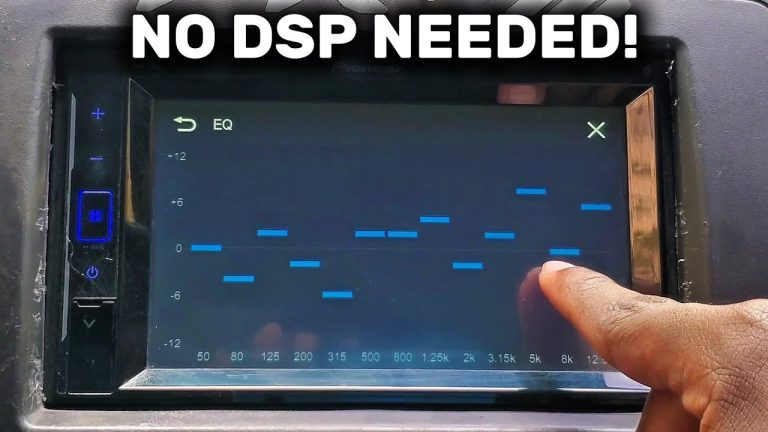
Good audio quality makes listening enjoyable and safe while driving. Check for built-in amplifiers and support for multiple speakers. Outputs like RCA or subwoofer connections allow system upgrades. Equalizer settings help customize sound to your taste.
App Support And Updates
App support ensures access to navigation, music, and communication tools. Compatibility with popular apps like Spotify or Google Maps adds value. Regular software updates improve performance and security. Look for devices that offer easy update methods.

Credit: www.ebay.ca
Installation Tips
Installing an Android car stereo can be a rewarding upgrade, but it requires careful attention to detail. Whether you choose to install it yourself or hire a professional, understanding the key steps and potential challenges will save you time and frustration. Here are practical tips to help you get your new stereo up and running smoothly.
Diy Vs Professional Installation
Deciding between a DIY installation and hiring a professional depends on your confidence and experience. If you enjoy hands-on projects and have basic car wiring knowledge, you might find the DIY route satisfying and cost-effective.
However, a professional installer brings expertise that can prevent costly mistakes. They can handle complex wiring and ensure your stereo integrates perfectly with your car’s systems. Ask yourself: Are you ready to troubleshoot wiring issues on your own, or would you prefer a guaranteed hassle-free setup?
Wiring And Connections
Correct wiring is the backbone of a successful installation. Start by labeling each wire and double-checking the stereo’s wiring diagram before connecting anything.
Use proper connectors and avoid twisting wires together, as this can lead to poor connections and electrical problems. If your car has a factory amplifier or steering wheel controls, you may need additional adapters to maintain full functionality.
Also, secure wires away from moving parts and heat sources to prevent damage over time. Are your wires organized and insulated well enough to avoid shorts and interference?
Common Installation Challenges
One common hurdle is fitting the new stereo into your dashboard. Some vehicles require dash kits or trim removal tools to achieve a seamless look.
Another frequent issue is compatibility with existing car electronics. Can your new Android stereo communicate with your car’s computer, backup camera, or sensors? Check compatibility before purchasing to avoid surprises.
Lastly, improper grounding can cause audio interference or system failures. Make sure your stereo is grounded to a clean metal surface in the vehicle. Have you tested for static or noise before finalizing the installation?
Top Android Car Stereo Brands
Top Android car stereo brands stand out for their quality and features. They offer systems that fit many vehicles and budgets. These brands provide reliable performance, clear sound, and easy smartphone integration. Choosing a trusted brand ensures better support and software updates. Here is a look at some popular brands, their models, prices, and what users say about them.
Popular Models
- Pioneer AVH-W4500NEX – Known for its wireless Apple CarPlay and Android Auto.
- Kenwood Excelon DNX997XR – Features built-in navigation and high-resolution audio.
- Sony XAV-AX5000 – Slim design with a responsive touchscreen.
- JVC KW-M865BW – Offers robust connectivity and a bright display.
- Alpine iLX-W650 – Compact size and easy installation.
Price Ranges
| Brand | Model | Price Range (USD) |
|---|---|---|
| Pioneer | AVH-W4500NEX | $600 – $700 |
| Kenwood | Excelon DNX997XR | $900 – $1000 |
| Sony | XAV-AX5000 | $300 – $400 |
| JVC | KW-M865BW | $400 – $500 |
| Alpine | iLX-W650 | $300 – $350 |
User Reviews
- Many users praise Pioneer for smooth wireless connectivity.
- Kenwood receives high marks for sound quality and navigation.
- Sony is appreciated for its easy-to-use interface and quick response.
- JVC owners like the clear display and multiple inputs.
- Alpine users find its compact design ideal for small spaces.
Troubleshooting Common Issues
Dealing with issues in your Android car stereo can quickly become frustrating, especially when you’re on the road. Understanding common problems helps you fix them faster and avoid unnecessary trips to the mechanic. Let’s look at some typical troubles you might face and how to tackle them effectively.
Connectivity Problems
Connectivity issues are among the most frequent complaints. Your phone might not pair via Bluetooth, or the stereo may fail to detect Wi-Fi networks.
Check if your device’s Bluetooth is turned on and set to visible. Sometimes, clearing the Bluetooth cache on your phone or the stereo can resolve pairing problems.
If Wi-Fi won’t connect, ensure you enter the correct password and that the network is stable. Restarting both the stereo and your router often clears temporary glitches.
Software Glitches
Software bugs can cause the system to freeze or apps to crash unexpectedly. If your stereo becomes unresponsive, a soft reset usually helps.
Keep your firmware updated. Many issues resolve after installing the latest updates, which fix bugs and improve compatibility.
Have you noticed certain apps misbehaving? Try uninstalling and reinstalling them. Avoid running too many apps simultaneously to prevent overload.
Hardware Failures
Sometimes, problems stem from physical components, like a faulty touchscreen or speaker issues. If the screen doesn’t respond properly, clean it gently and check for cracks.
Speaker distortion or no sound at all may signal wiring problems or blown speakers. Testing different audio sources can help pinpoint the problem.
When hardware fails, it might be tempting to replace the entire unit. However, some parts are repairable or replaceable, saving you money and hassle.
Future Trends In Android Car Stereos
The future of Android car stereos looks incredibly promising as technology evolves to make driving safer, more connected, and enjoyable. These systems are no longer just about playing music or GPS navigation; they are becoming central hubs that interact seamlessly with your digital life. Let’s look at the key trends shaping what you can expect in the coming years.
Integration With Smart Devices
Your car stereo is set to become the command center for all your smart gadgets. Imagine your Android car stereo communicating effortlessly with your smartwatch, smart home devices, and even your phone’s apps without any extra setup. This means you can control your home’s thermostat, check your calendar, or receive alerts right from your dashboard.
This integration isn’t just convenient; it’s about keeping your focus on the road while managing your daily tasks. Have you noticed how much easier it is to handle things hands-free? The future will take this a step further by syncing more devices and apps for a smoother, more intuitive experience.
Ai And Voice Assistants
Voice assistants are getting smarter and more natural in how they understand and respond to you. Your Android car stereo will soon offer advanced AI that learns your habits, preferences, and routines, making interactions quicker and more personalized. This means you can ask for directions, play specific playlists, or even get reminders without repeating yourself.
Think about how much safer it is to keep your hands on the wheel and eyes on the road. With AI handling more of the multitasking, you’ll spend less time navigating menus and more time enjoying your drive. What tasks would you want your voice assistant to handle next?
Improved User Interfaces
The design and usability of Android car stereos will continue to improve, focusing on simplicity and ease of use. Future interfaces will feature larger, clearer icons, customizable layouts, and even gesture controls to help you access functions faster. This is especially useful when you’re driving and need quick, distraction-free access to your stereo’s features.
Imagine swiping or tapping to switch music or answer calls without digging through complex menus. These improvements will reduce frustration and enhance safety. How much easier would your drive be with a smarter, more intuitive interface?
Frequently Asked Questions
What Is An Android Car Stereo?
An Android Car Stereo is a multimedia device integrated into vehicles. It operates on the Android OS, offering smartphone-like features. Users can access navigation, music, and apps directly from the dashboard. These stereos enhance driving experience by providing connectivity and entertainment options.
How Does An Android Car Stereo Work?
Android Car Stereos function like a tablet embedded in your car’s dashboard. They connect to your smartphone via Bluetooth or Wi-Fi. This allows users to access apps, music, and navigation. The touch interface offers easy controls, making it a convenient addition to modern vehicles.
Can I Install Apps On An Android Car Stereo?
Yes, you can install apps on an Android Car Stereo. It functions similarly to an Android phone. Users can download apps directly from the Google Play Store. This expands the stereo’s functionality, offering navigation, music, and more.
Is An Android Car Stereo Compatible With All Vehicles?
Most Android Car Stereos are designed for universal compatibility. However, installation may require specific kits or adapters. It’s essential to check your vehicle’s specifications. Consulting with a professional can ensure a seamless installation process.
Conclusion
Android car stereos bring smart features right to your dashboard. They offer easy access to music, maps, and calls. You control them with touch or voice commands. This makes driving safer and more fun. Many models fit different car types and budgets.
Choosing the right one depends on your needs and preferences. Enjoy clear sound and smart technology every time you drive. An Android car stereo can improve your daily travel experience. Simple to use and packed with features—worth considering for any driver.