How to Play Mp3 Through Car Stereo: Easy Steps for Perfect Sound
Master Automotive Systems Engineer & Performance Vehicle Specialist at CarSpeedNest Automotive Testing Lab · ASE Certified Master Technician, Mobile Electronics Certified Professional (MECP Master), Certified Dyno Diagnostic Specialist · 14+ years in dyno testing, electronic sensor calibration, automotive wiring harnesses, and precision drivetrain maintenance
Want to enjoy your favorite MP3 songs while driving? Playing MP3 files through your car stereo can make every trip more fun and relaxing.
But if you’re not sure how to connect your device or set it up, don’t worry—you’re in the right place. This guide will show you simple and effective ways to get your music playing loud and clear. Keep reading, and you’ll be cruising with your perfect playlist in no time.

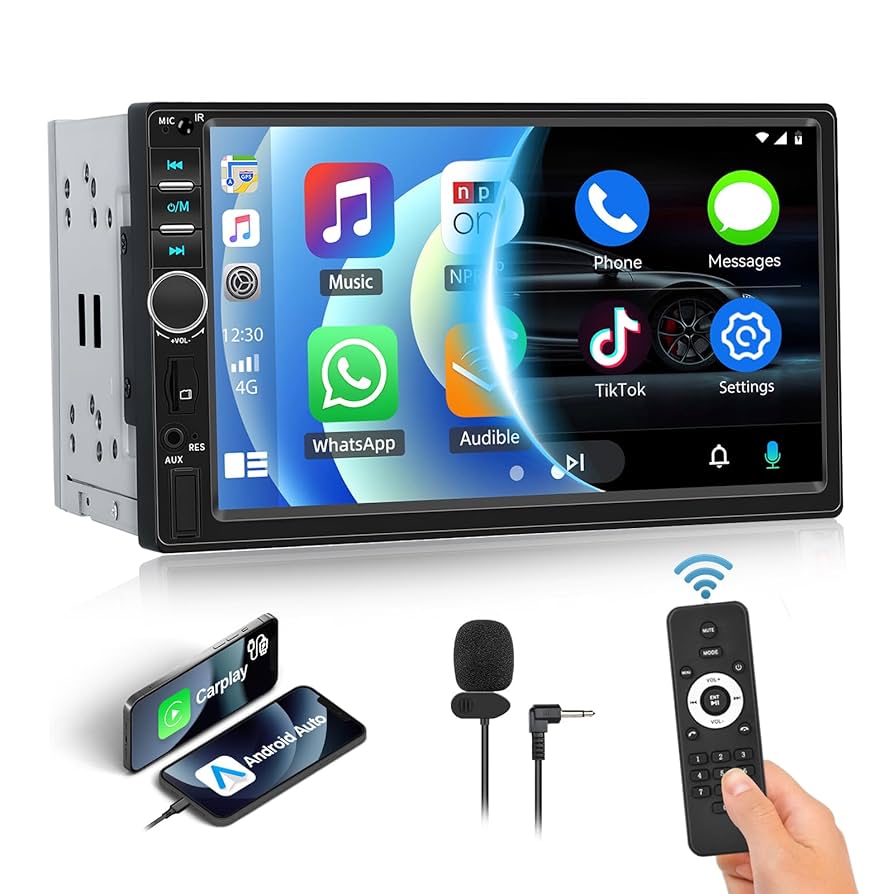
Credit: us.amazon.com
Choosing The Right Connection
Choosing the right connection to play MP3s through your car stereo can make a huge difference in sound quality and ease of use. Your car’s available ports and your device’s compatibility will guide your choice. Let’s take a closer look at different connection options that fit various needs and setups.
Auxiliary Input
Auxiliary input, or aux input, is one of the simplest ways to connect your MP3 player or phone to your car stereo. If your car has a 3.5mm aux port, all you need is a standard aux cable. Plug it in, play your music, and you’re good to go.
This connection offers reliable sound quality since it transmits audio directly through a wired connection. However, it requires your device to stay physically connected, which might feel restrictive during a long drive. Have you noticed how some aux cables create static or lose connection if the cable bends too much? Choosing a durable cable can solve this.
Usb Ports
Many modern car stereos come equipped with USB ports that allow you to connect a USB drive or your phone directly. This method not only plays your MP3 files but often lets you control playback using the car’s stereo interface.
USB connections usually offer better sound quality than aux inputs and can charge your device at the same time. If you like browsing your playlists on the car’s screen, this option keeps things simple and clutter-free. Have you tried plugging in a USB stick loaded with your favorite MP3s for road trips?
Bluetooth Pairing
Bluetooth offers a wireless way to stream MP3s from your phone or other devices to your car stereo. Once paired, you can control music playback without any cables getting in your way.
This option is perfect if you want freedom of movement inside your car and don’t mind a slight dip in audio quality compared to wired connections. It’s great for hands-free calls, too. If your car stereo supports Bluetooth, pairing it with your phone usually takes less than a minute—have you tried this seamless connection yet?
Fm Transmitter
FM transmitters are handy if your car stereo lacks aux or USB ports and doesn’t support Bluetooth. These devices plug into your phone or MP3 player and broadcast the audio signal over an unused FM frequency.
You then tune your car radio to that frequency to hear your music. While convenient, FM transmitters can sometimes pick up interference or sound a bit fuzzy. Still, they offer a quick fix when other options aren’t available—have you considered using one during older car rides?
Preparing Your Mp3 Device
Before you plug your MP3 device into your car stereo, it’s important to get your device ready. A well-prepared MP3 player makes your drive smoother and your music experience better. Taking a few simple steps ensures that your favorite songs play without interruption and in the order you want.
Organizing Your Music Files
Start by sorting your music files into folders by genre, artist, or mood. This makes it easier to find what you want while driving without distraction. You can use your computer’s file manager to drag and drop songs into clear folders.
Renaming files with clear titles helps too. Instead of random numbers or codes, use names like “Beatles – Let It Be.mp3.” This keeps your library neat and your stereo display readable.
Ensuring Battery Life
Nothing ruins a road trip like your MP3 device dying mid-drive. Charge your device fully before you start your journey. If you expect long drives, bring a car charger or a power bank.
Turn off features you don’t need, like Bluetooth or Wi-Fi, to save battery. Also, lowering the screen brightness can extend your playtime significantly.
Setting Up Playlists
Creating playlists lets you control the mood of your drive. Group songs by energy level or theme, like “Morning Boost” or “Relaxing Evening.” This way, you avoid manually searching for songs while on the road.
Think about how you want your music to flow. Do you prefer upbeat tracks first or mellow tunes to start? Setting up playlists beforehand gives you a personalized soundtrack and safer driving experience.
Connecting Mp3 To Car Stereo
Connecting your MP3 player to your car stereo opens up a world of music while you drive. There are several straightforward ways to make this connection, each suited to different car stereo models and personal preferences. Whether you want a quick wired link or a wireless setup, you’ll find a method that fits your needs.
Using Aux Cable
An aux cable is one of the simplest ways to play MP3s through your car stereo. Just plug one end into your MP3 player’s headphone jack and the other into the car’s aux input. This direct connection delivers clear sound without any delay.
Make sure your car stereo is set to the aux input mode. If you hear no sound, check the cable and volume settings on both devices. This method works well if your car stereo has an aux port and you want a quick, reliable connection.
Plugging In Usb Drive
If your MP3s are saved on a USB drive, many car stereos allow you to plug it directly into a USB port. Your car stereo will read the files and often display song titles and playlists. This hands-free method keeps your MP3 player free and your music accessible.
Before plugging in, organize your music files in folders for easy navigation. Some cars support only certain file formats, so check if your MP3s are compatible. Have you tried this and found certain songs missing? It might be due to unsupported formats.
Pairing Via Bluetooth
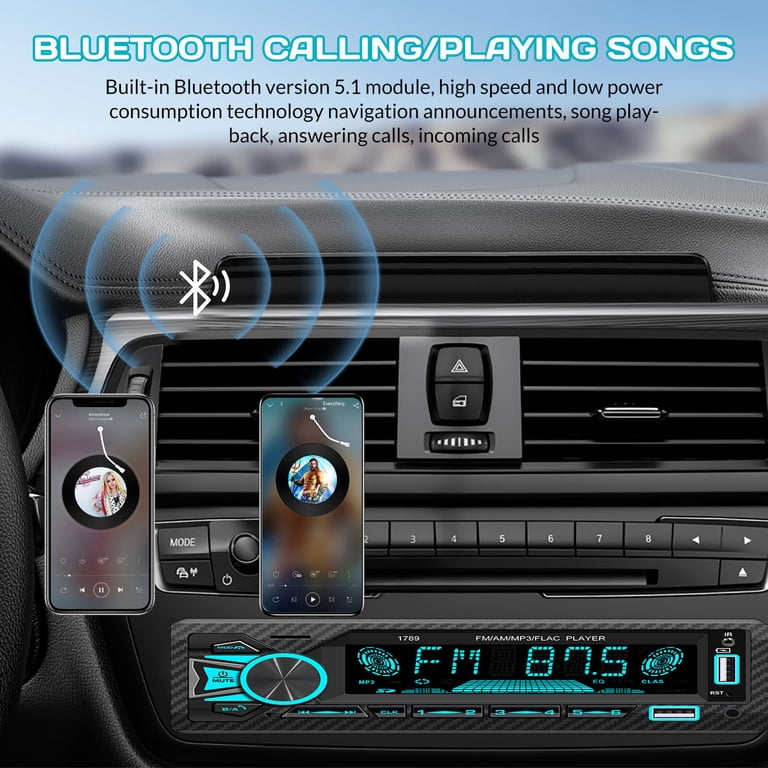
Bluetooth offers a wireless way to stream MP3s from your phone or MP3 player to your car stereo. Turn on Bluetooth on both devices and select your car stereo from the list of available devices. Once paired, your music plays seamlessly without any cords.
Bluetooth connections can sometimes drop or have lag—have you experienced this? Keeping your devices close helps maintain a strong connection. Also, some older car stereos might not support Bluetooth, so check your manual.
Tuning Fm Transmitter
If your car stereo lacks aux or USB ports, an FM transmitter can bridge the gap. Plug your MP3 player into the transmitter and set it to broadcast on an unused FM frequency. Then tune your car radio to that same frequency to hear your music.
Finding a clear FM channel can take some trial and error, especially in urban areas crowded with stations. Once set, this method offers a wireless solution but might have slight static or interference. Have you noticed any signal drops using FM transmitters?
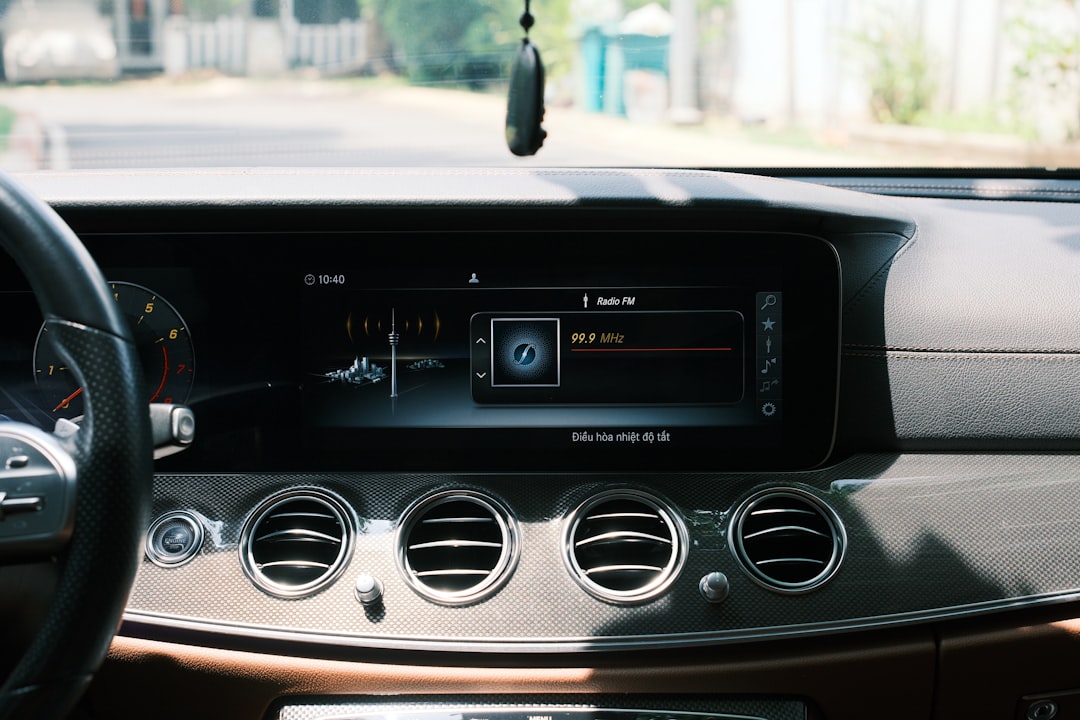
Credit: www.walmart.com
Adjusting Car Stereo Settings
Adjusting your car stereo settings is essential for a clear and enjoyable MP3 playback experience. Fine-tuning these settings helps match the sound to your preferences and the car’s acoustics. It improves sound quality and makes controlling music easier while driving.
Selecting Input Source
Choose the correct input source on your car stereo to play MP3 files. Common options include USB, AUX, Bluetooth, or CD. Use the stereo’s menu or source button to switch between inputs. Ensure your device is connected properly to the chosen input for smooth playback.
Adjusting Volume And Equalizer
Set the volume to a comfortable level, avoiding distortion or low sound. Use the equalizer settings to balance bass, treble, and midrange frequencies. Many car stereos offer preset modes like Rock, Jazz, or Pop. Experiment with these to find the sound that suits your music style best.
Configuring Playback Controls
Learn how to use playback controls on your stereo or connected device. Play, pause, skip tracks, and rewind using physical buttons or touchscreen options. Some systems support voice commands for hands-free control. Proper use of playback controls enhances safety and convenience while driving.
Troubleshooting Common Issues
Troubleshooting common issues while trying to play MP3s through your car stereo can save you time and frustration. Many users face similar problems, but the solutions are often straightforward. Let’s look at some typical issues and how you can fix them quickly to enjoy your music without interruptions.
No Sound Problems
Sometimes your car stereo shows the MP3 is playing, but you hear nothing. First, check if the volume is turned up both on your device and the car stereo. It sounds simple, but it’s a mistake I’ve made more than once.
Ensure the correct input source is selected on your stereo. If you’re using Bluetooth, verify the device is connected properly and not paired with another device nearby. Also, try unplugging and reconnecting any cables or restarting your phone or MP3 player.
If none of these work, test with another audio source or device to isolate whether the issue is with the car stereo or the MP3 player.
Connection Drops
Connection drops can be frustrating, especially during a long drive. This often happens with Bluetooth or AUX connections. Keep your device close to the stereo to avoid signal loss.
Interference from other electronics can cause the connection to drop. Try turning off nearby devices or switching to a different frequency if your stereo supports FM transmitters. Also, check your cables for wear and tear; a faulty cable is a common culprit.
Have you noticed if connection drops happen at specific spots? Sometimes, physical obstructions or metal objects in the car can interfere with wireless signals.
Audio Quality Issues
Distorted or low-quality audio can ruin your listening experience. First, check the file format and bitrate of your MP3s. Low bitrate files sound worse, so opt for higher quality ones if possible.
Equalizer settings on your car stereo might also affect sound clarity. Resetting to default settings or adjusting bass and treble can make a difference. If you’re using Bluetooth, audio quality might degrade with distance or interference.
Try different cables or ports if you’re using wired connections. Sometimes, cleaning the AUX jack or USB port helps restore clear sound. What’s your go-to fix when your music sounds off in the car?

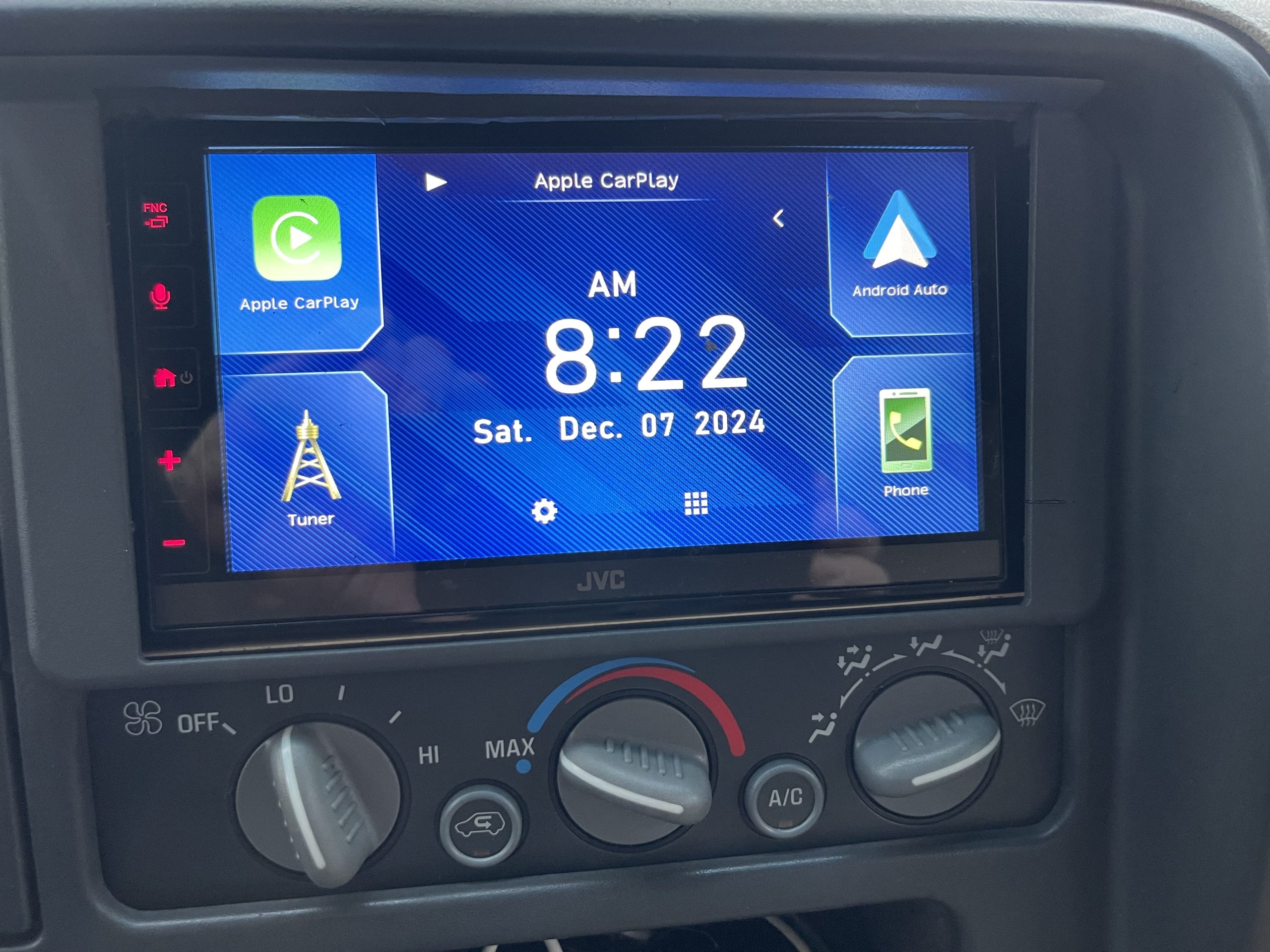
Credit: www.ebay.com
Tips For Best Sound Quality
Getting the best sound quality from your MP3 playback through your car stereo isn’t just about having a good stereo system. Small details can make a huge difference in how your music sounds on the road. Paying attention to cables, firmware, and device placement can turn an average listening experience into something truly enjoyable.
Using Quality Cables
Cheap or worn-out cables often cause interference or signal loss, which hurts sound clarity. Investing in high-quality, shielded cables helps maintain a clean audio signal. Look for cables labeled as “oxygen-free” or those with gold-plated connectors for better durability and less signal degradation.
Have you ever noticed crackling or static noise during playback? That’s usually a sign your cables need an upgrade.
Updating Firmware
Your car stereo’s firmware controls how it processes audio signals. Manufacturers often release updates that improve compatibility and fix bugs affecting sound quality. Regularly check the manufacturer’s website or your car’s infotainment system to ensure your firmware is up to date.
Updated firmware can also add new features that enhance your listening experience without spending a dime on new hardware.
Positioning Devices Properly
Where you place your MP3 player or smartphone in the car impacts audio quality and connectivity. Avoid placing devices near metal objects or behind thick seats, as these can block Bluetooth or AUX signals. Instead, keep them within clear sight and a short distance from your stereo for the best connection.
Think about how your car’s interior layout affects sound waves and signal strength. Sometimes, just moving your device a few inches can reduce interruptions and improve clarity.
Frequently Asked Questions
How To Connect My Phone To Car Stereo?
To connect your phone to a car stereo, use Bluetooth or an auxiliary cable. Ensure both devices are compatible. Pair them via Bluetooth settings or plug the cable into the headphone jack. This allows you to stream MP3 files directly from your phone.
Can I Use Usb To Play Mp3 In Car?
Yes, you can use a USB drive to play MP3 files in your car. Ensure your car stereo has a USB port. Transfer MP3 files onto the USB drive, then insert it into the stereo. Use the stereo’s controls to navigate and play the files.
Is Bluetooth Better Than Aux For Sound Quality?
Bluetooth offers convenience and wireless connectivity, but AUX provides better sound quality. With AUX, you avoid compression that Bluetooth often uses, resulting in clearer audio. Choose based on your preference for sound quality or ease of use.
How Can I Play Mp3 Without Bluetooth?
To play MP3 without Bluetooth, use an auxiliary cable, USB drive, or FM transmitter. Auxiliary cables plug directly into the headphone jack, while USB drives connect via a USB port. FM transmitters broadcast MP3 audio to your car’s FM radio frequency.
Conclusion
Playing MP3s through your car stereo is simple and fun. You just need the right tools and steps. Whether using a USB, Bluetooth, or AUX cable, music can fill your drive. Enjoy your favorite songs clearly and easily. Keep your devices charged and cables handy.
Soon, your car rides become more enjoyable with great sound. Try these methods today and feel the difference. Music makes every trip better.

Similar Posts