How to Turn on Front Speakers in Car: Easy Steps to Boost Sound
Master Automotive Systems Engineer & Performance Vehicle Specialist at CarSpeedNest Automotive Testing Lab · ASE Certified Master Technician, Mobile Electronics Certified Professional (MECP Master), Certified Dyno Diagnostic Specialist · 14+ years in dyno testing, electronic sensor calibration, automotive wiring harnesses, and precision drivetrain maintenance
Are you struggling to get sound from your car’s front speakers? It can be frustrating when your music or calls only come through the rear speakers, leaving your driving experience less enjoyable.
But don’t worry—turning on your front speakers is easier than you think. You’ll learn simple, step-by-step tips to activate your front speakers quickly. By the end, you’ll be able to enjoy balanced sound and clearer audio right where you want it.
Keep reading to discover how to make your car’s sound system work perfectly for you.
Check Your Car Audio System
Before adjusting your car’s front speakers, it’s important to check the overall audio system settings. Many vehicles have built-in controls that manage sound distribution between front and rear speakers. Understanding where these controls are and what options are available helps you get the best sound experience.
Locate The Speaker Controls
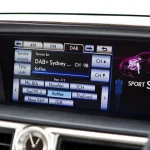
Start by finding the audio control panel on your dashboard or infotainment screen. The controls might be physical buttons, knobs, or touchscreen options depending on your car model. Look for labels like “Sound,” “Audio,” or “Speaker Settings” to access the speaker controls.
If you’re unsure, your car manual can be a quick guide. Sometimes these settings are nested inside menus, so take a moment to navigate through the options. Have you noticed how some cars separate controls for bass, treble, and speaker balance? This is where you’ll find the controls for turning on or adjusting front speakers.
Identify Front Speaker Settings
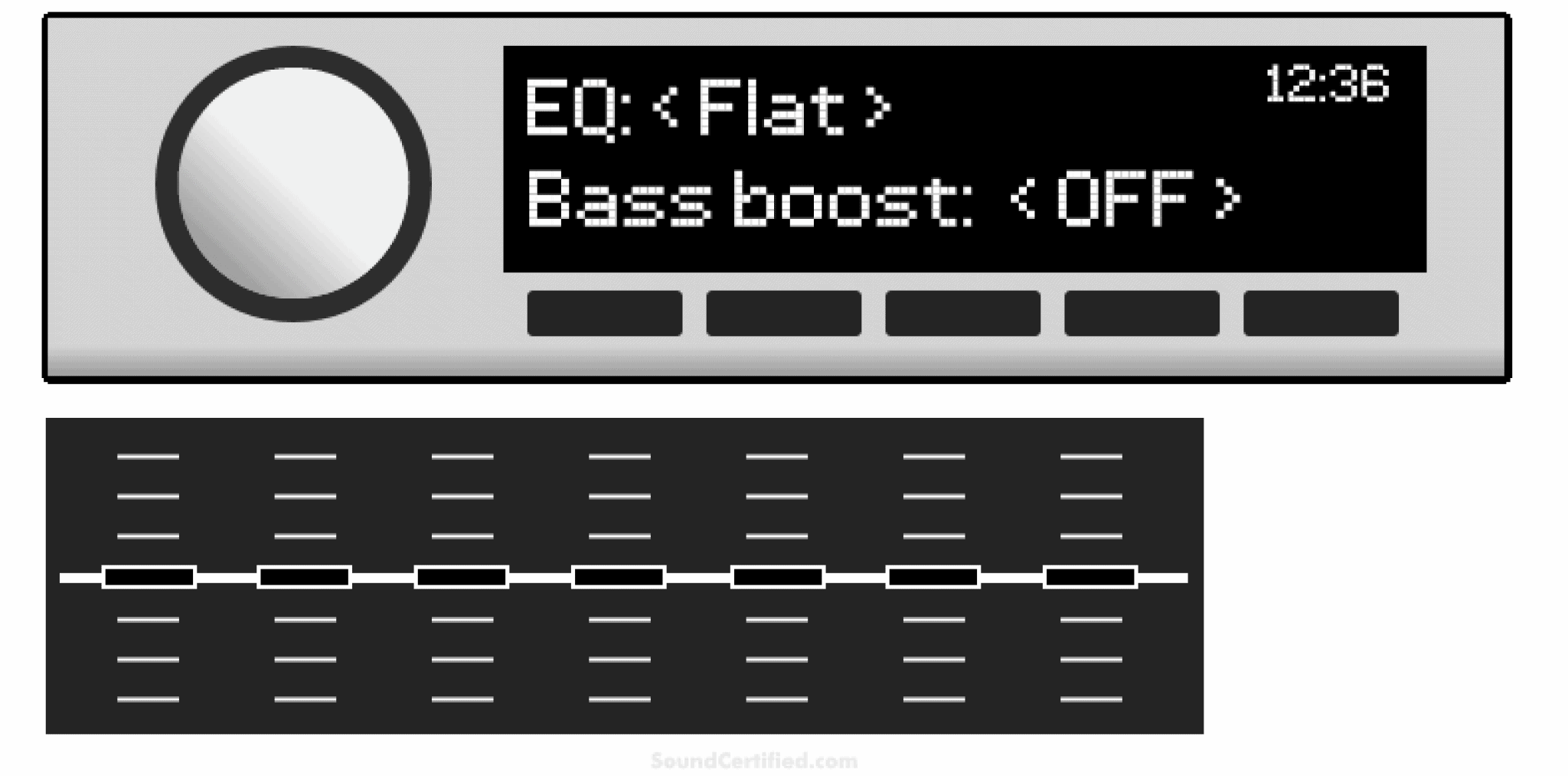
Within the audio settings, look for options related to speaker balance or fade. These settings allow you to shift the sound either towards the front or the rear of the vehicle. To turn on or boost the front speakers, move the fade control towards the front position.
Some systems also provide individual toggles for front and rear speakers. If your car has this feature, ensure the front speakers are enabled. Imagine how much clearer your music sounds when the front speakers are active—do you prefer a more immersive front sound or balanced all-around audio?
Credit: audiointensity.com
Use External Amplifiers Or Processors
Using external amplifiers or processors can greatly improve your car’s front speaker sound. These devices boost audio signals, delivering clearer and louder sound. They give your front speakers more power and control. This makes your music sound better and more balanced inside the car.
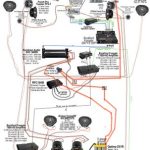
External amplifiers connect between your car’s head unit and the front speakers. They increase the audio signal strength for better output. Processors help adjust sound settings like balance, bass, and treble. They allow fine-tuning to match your listening preferences.
Connect Front Speakers To Amplifier
Start by locating the amplifier in your car. It is usually near the dashboard or trunk. Use speaker wires to connect the amplifier’s output terminals to the front speakers. Make sure to match positive and negative terminals correctly.
- Turn off the car’s power before connecting wires.
- Use quality speaker wires for better sound.
- Secure connections to avoid loose contacts or shorts.
Check if your car’s head unit has preamp outputs. These outputs send audio signals to the amplifier. Connect RCA cables from the head unit to the amplifier’s input ports. This setup ensures the amplifier receives clear audio signals.
Configure Amplifier Settings
Adjust amplifier settings to get the best sound from your front speakers. Start with gain control to match the amplifier’s input level to the head unit output. Avoid setting gain too high to prevent distortion.
- Set the crossover frequency to filter unwanted sound ranges.
- Use high-pass filters to protect front speakers from bass overload.
- Balance the sound level between left and right front speakers.
Some amplifiers include bass boost and equalizer controls. Adjust these carefully to enhance sound without causing distortion. Test the sound after each change. Fine-tune settings until you find a clear, balanced sound.
Troubleshoot Common Issues
Facing trouble with your car’s front speakers can be frustrating, especially when you expect clear sound during your drive. Before thinking about replacements or expensive repairs, there are several common issues you can check yourself. Identifying the root cause quickly helps you save time and money while enjoying better audio.
No Sound From Front Speakers
If your front speakers suddenly go silent, start by confirming the audio source is working properly. Check the balance settings on your car stereo to ensure the sound isn’t directed entirely to the rear speakers. Sometimes, a simple adjustment in the settings can bring your front speakers back to life.
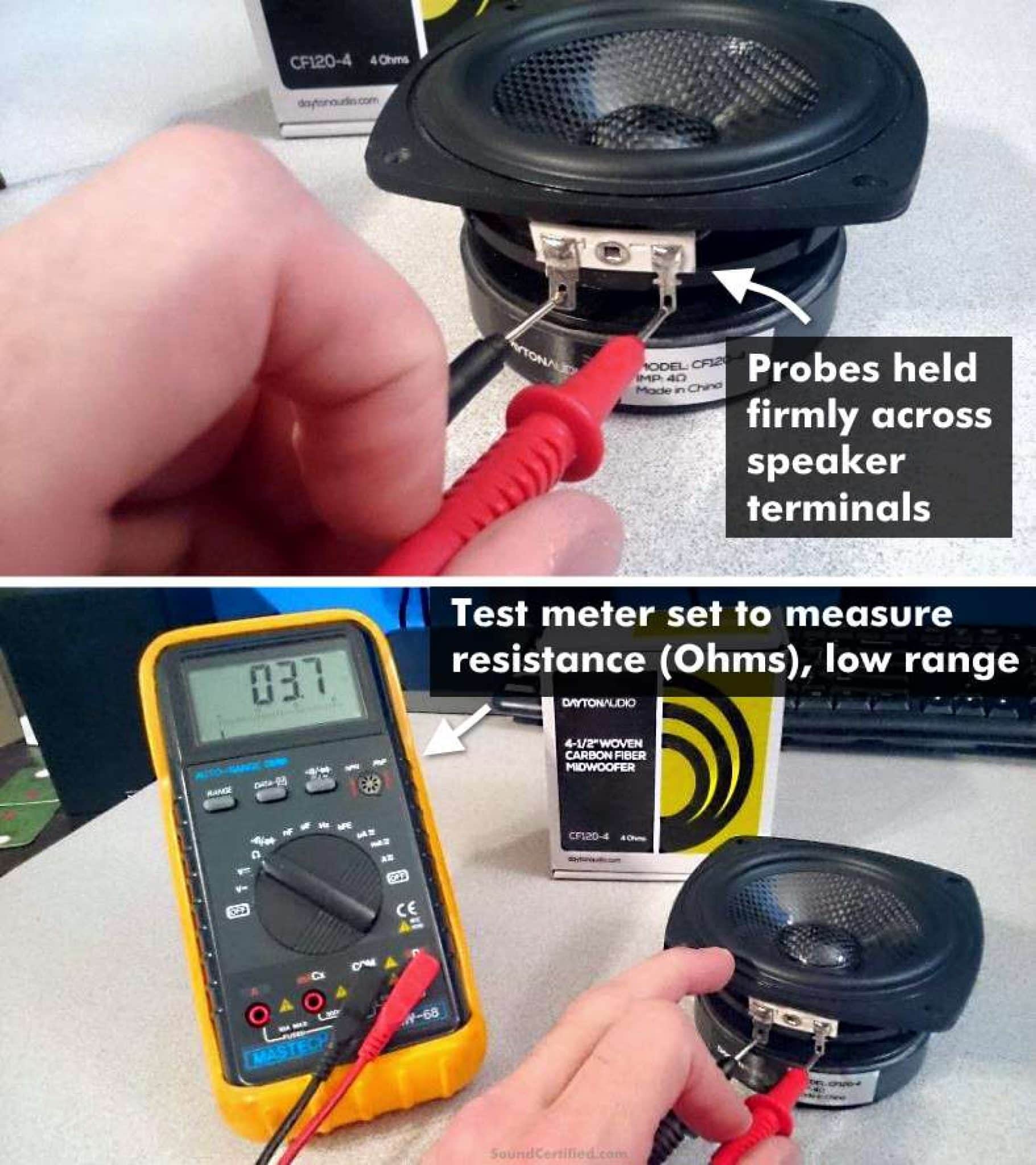
Next, inspect the speaker wires for any loose connections or visible damage. Wires can become disconnected or frayed over time, causing no sound. Have you noticed any recent work done on your car’s interior? That could be where the wiring issue began.
Distorted Or Weak Audio
Distorted or weak audio often points to interference or speaker damage. Lower the volume and listen carefully—if the distortion disappears, your speakers might be overwhelmed by high volume or a poor-quality audio source. Try playing different tracks or use another device to rule out the source.
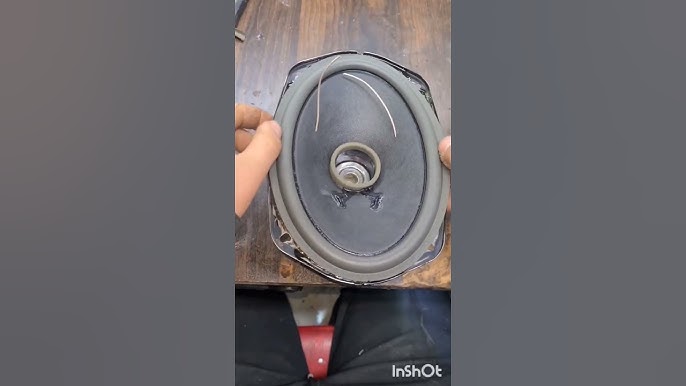
Check if the speaker cones have any tears or damage. Even minor physical damage can significantly affect sound clarity. Also, dirt or moisture inside the speaker can weaken the audio output. Do you park your car outdoors frequently? This exposure might be a factor.
Fuse And Power Checks
Sometimes, the problem lies in power supply rather than the speakers themselves. Locate your car’s fuse box and check the fuse related to the audio system. A blown fuse will prevent power from reaching the front speakers, causing silence.
Use a fuse tester or replace the fuse with one of the same rating to see if that restores sound. Additionally, check the car battery and wiring connections for consistent power flow. Have you experienced other electrical issues in your car lately? They might be connected.
Credit: www.r32oc.com
Enhance Sound Quality
Improving your car’s sound quality goes beyond simply turning on the front speakers. It’s about creating an immersive audio experience that makes every drive enjoyable. Small changes can have a big impact, so focus on practical upgrades that bring out the best in your music.
Upgrade Front Speakers
Stock front speakers often lack depth and clarity. Swapping them for high-quality aftermarket speakers can dramatically improve sound detail and volume. Look for speakers with higher wattage and better materials like polypropylene cones or silk tweeters.
Think about your favorite music genre. Do you want crisp vocals or deep bass? Choose speakers that match your listening preferences. Installing component speakers—separating tweeters and woofers—can also give you clearer highs and richer lows.
Add Sound Deadening Materials
Road noise and vibrations can drown out your music’s subtle details. Adding sound deadening materials inside your car doors or under the dashboard reduces unwanted noise. This creates a quieter environment, letting your upgraded front speakers shine.
Materials like butyl rubber mats or foam panels are easy to install and affordable. You might not notice the difference at first, but as you drive, the improved sound isolation becomes obvious. What’s stopping you from giving your car a more professional sound setup?
Frequently Asked Questions
How Do I Activate Front Speakers In My Car?
To activate front speakers, access your car’s audio settings via the dashboard. Locate the balance or fade settings. Adjust the audio distribution to favor the front speakers. Ensure your front speakers are connected properly. If issues persist, consult your car’s manual or a professional technician.
Why Are My Front Speakers Not Working?
Front speakers may not work due to wiring issues, loose connections, or audio settings. Check your car’s audio settings and wiring connections. Ensure that the speakers are not muted or faded to the rear. If problems continue, seek assistance from an audio specialist.
Can I Adjust Front Speaker Volume Individually?
Yes, you can adjust the front speaker volume through your car’s audio settings. Access the settings on your dashboard and look for balance or fader options. Adjust these settings to increase or decrease the volume specifically for the front speakers.
This allows for a personalized audio experience.
Are Front Speakers Necessary For Good Audio Quality?
Front speakers are essential for a balanced audio experience. They deliver clear sound and enhance the stereo effect. Without them, audio may seem incomplete or unbalanced. Ensuring they work properly contributes to an immersive and enjoyable driving experience with optimal sound quality.
Conclusion
Turning on front speakers in your car is simple and quick. Follow the steps carefully for best sound quality. Check your car’s audio settings and adjust balance and fade. Enjoy clear, balanced music while driving. Small changes can make a big difference in sound.
Keep your car stereo user manual handy for help. Now, your front speakers will improve your driving experience.

Similar Posts