How to Listen to Podcasts Through Car Speakers: Easy & Clear Guide
Master Automotive Systems Engineer & Performance Vehicle Specialist at CarSpeedNest Automotive Testing Lab · ASE Certified Master Technician, Mobile Electronics Certified Professional (MECP Master), Certified Dyno Diagnostic Specialist · 14+ years in dyno testing, electronic sensor calibration, automotive wiring harnesses, and precision drivetrain maintenance
Do you want to enjoy your favorite podcasts while driving without distractions? Listening to podcasts through your car speakers makes every trip more enjoyable and productive.
Whether you’re stuck in traffic or heading on a long drive, tuning in to the right podcast can keep you informed, entertained, and inspired. You’ll discover simple and effective ways to connect your device and play podcasts through your car’s audio system.
Keep reading to find out how easy it is to turn your car into a personal podcast hub!
Choose The Right Connection Method
Choosing the right connection method to listen to podcasts through your car speakers makes a big difference in sound quality and convenience. Different cars and devices offer various ways to connect, so understanding your options helps you pick the best fit. Let’s look at common connection methods and what you can expect from each.
Bluetooth Pairing
Bluetooth pairing offers a wireless and hassle-free way to stream podcasts. Most modern cars support Bluetooth, allowing you to connect your phone without any cables. Once paired, your phone automatically connects when you enter the car, making it easy to start listening right away.
Keep in mind that Bluetooth audio quality depends on your car’s system and your phone. Some older models may have slight delays or lower sound quality. Have you noticed any interruptions or drops while using Bluetooth? If yes, consider trying other connection options.
Auxiliary Cable
An auxiliary (aux) cable is a simple, reliable way to connect your phone directly to your car’s audio system. Just plug one end into your phone’s headphone jack and the other into the car’s aux input. This method provides clear sound without the risk of wireless interference.
However, not all phones have headphone jacks these days. If yours doesn’t, you might need an adapter. Also, aux cables can sometimes get tangled or wear out, so keep a spare handy just in case.
Usb Connection
Using a USB cable to connect your phone to your car offers more than just audio playback. It often allows you to control your podcasts through the car’s infotainment system and charges your device at the same time. This dual benefit makes USB connections highly convenient.
Make sure your car stereo supports USB audio input, as some only use USB ports for charging. If your podcasts appear in the car’s media menu, you’re good to go. Otherwise, you may need to rely on other methods.
Fm Transmitter
An FM transmitter is a good backup if your car lacks Bluetooth, aux, or USB inputs. It works by sending your phone’s audio signal to an unused FM radio frequency, which your car stereo can tune into. This method lets you use your car’s speakers without any direct connection.
Sound quality with FM transmitters varies and can be affected by radio interference. Try different FM frequencies to find the clearest signal. Have you tried this method before? It’s worth experimenting if other options aren’t available.

Credit: www.reddit.com
Set Up Bluetooth For Wireless Streaming
Setting up Bluetooth for wireless streaming lets you enjoy your favorite podcasts through your car speakers without any tangled cords. It’s a straightforward process that connects your phone and car audio system seamlessly. Once paired, you can focus on the road and listen to podcasts clearly and comfortably.
Enable Bluetooth On Your Phone
Start by opening the settings app on your phone. Look for the Bluetooth option and toggle it on. Your phone will begin searching for nearby Bluetooth devices automatically.
Make sure your phone’s Bluetooth is visible to other devices. This step is crucial because it allows your car to detect your phone. Some phones have a “visible” mode that times out; keep it active until you finish pairing.
Pair With Car Audio System
Turn on your car’s audio system and access the Bluetooth settings menu. Select the option to pair a new device. Your car system should now appear in your phone’s list of available devices.
Select your car’s name from your phone’s Bluetooth list to start the pairing process. You might be asked to confirm a passcode or PIN that appears on both screens. This security step ensures you’re connecting to the right device.
Once paired, your phone will automatically connect to the car’s Bluetooth system in the future. This means you won’t have to repeat the process every time you want to listen.
Troubleshoot Connection Issues
If your phone doesn’t appear on the car’s device list or the pairing fails, try turning off Bluetooth on both devices and then turn them back on. Sometimes a quick reset fixes minor glitches.
Check if your car’s Bluetooth system supports your phone’s Bluetooth version. Older car models might have compatibility limits. Also, clear any old paired devices from the car’s memory if the list is full.
Still facing trouble? Restart your phone and car audio system. This simple step often resolves hidden issues. If problems persist, consult your car’s manual or the phone’s support site for specific troubleshooting tips.
Use Auxiliary And Usb Cables
Using auxiliary (aux) and USB cables to listen to podcasts through your car speakers is one of the simplest and most reliable ways to enjoy your favorite shows on the go. These wired connections often provide clearer sound quality compared to Bluetooth and avoid potential pairing issues. Plus, they don’t drain your phone’s battery as quickly as wireless streaming can.
Locate The Aux Port In Your Car
Start by finding the aux port, usually a small, round 3.5mm jack, similar to a headphone socket. It’s often located near the car’s stereo system, in the center console, glove compartment, or even on the dashboard. If your car doesn’t have an aux port, check the owner’s manual or look for a USB port instead.
Connect Your Device Properly
Once you’ve found the port, plug one end of the aux cable into your phone’s headphone jack or adapter. Connect the other end to the car’s aux input. For USB, use a compatible cable to link your phone to the car’s USB port. Make sure the connections are secure to avoid audio interruptions.
Adjust Car Audio Settings
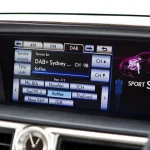
After connecting, switch your car’s audio source to “Aux” or “USB” using the stereo’s interface. You might need to use the touchscreen or physical buttons to select the correct input. Adjust the volume on both your device and the car’s stereo to get the best sound without distortion.
Have you ever experienced static or poor sound quality while using aux cables? Checking the cable condition and connection points can solve most issues quickly. Using a USB connection can also provide additional benefits like charging your device while listening, which is especially handy on longer drives.
Try Fm Transmitters For Older Cars
If your car is a bit older and lacks modern Bluetooth or auxiliary input options, FM transmitters can be a lifesaver for playing podcasts through your car speakers. These handy devices let you broadcast audio from your phone or media player over an unused FM radio frequency. You simply tune your car radio to that frequency and enjoy your favorite shows without any complicated setup.
How Fm Transmitters Work
FM transmitters create a low-power radio signal that carries the audio from your device. Think of it as your phone becoming a tiny radio station. Your car’s FM radio picks up this signal just like any other station, allowing the sound to play through the speakers.
Because the transmitter uses FM frequencies, it’s compatible with almost any car radio. You don’t need special cables or adapters—just the transmitter and your device. This makes it especially useful if your car lacks Bluetooth or an aux input.
Finding A Clear Frequency
Choosing the right FM frequency is key to clear sound. Start by scanning your car radio for unused or static-filled frequencies. These are usually between 87.5 and 108.0 MHz.
Once you spot a quiet frequency, set your transmitter to the same number. If you hear interference or static, try a different frequency. It might take a few attempts, but a clear channel will deliver crisp podcast audio without annoying noise.
Connecting Your Device
Most FM transmitters connect to your phone via Bluetooth or a standard headphone jack. Bluetooth models offer wireless convenience, while wired connections can provide slightly better sound quality.
After pairing or plugging in, open your podcast app and start playing. Adjust the volume on both your device and car stereo to get the best balance. A little tweaking can make your listening experience much more enjoyable.
Optimize Sound Quality
Optimizing sound quality enhances your podcast listening experience in the car. Clear audio makes it easier to follow conversations and enjoy every detail. Adjusting settings and managing noise ensures crisp sound without strain. Small tweaks can greatly improve clarity and comfort during drives.
Adjust Car Speaker Settings
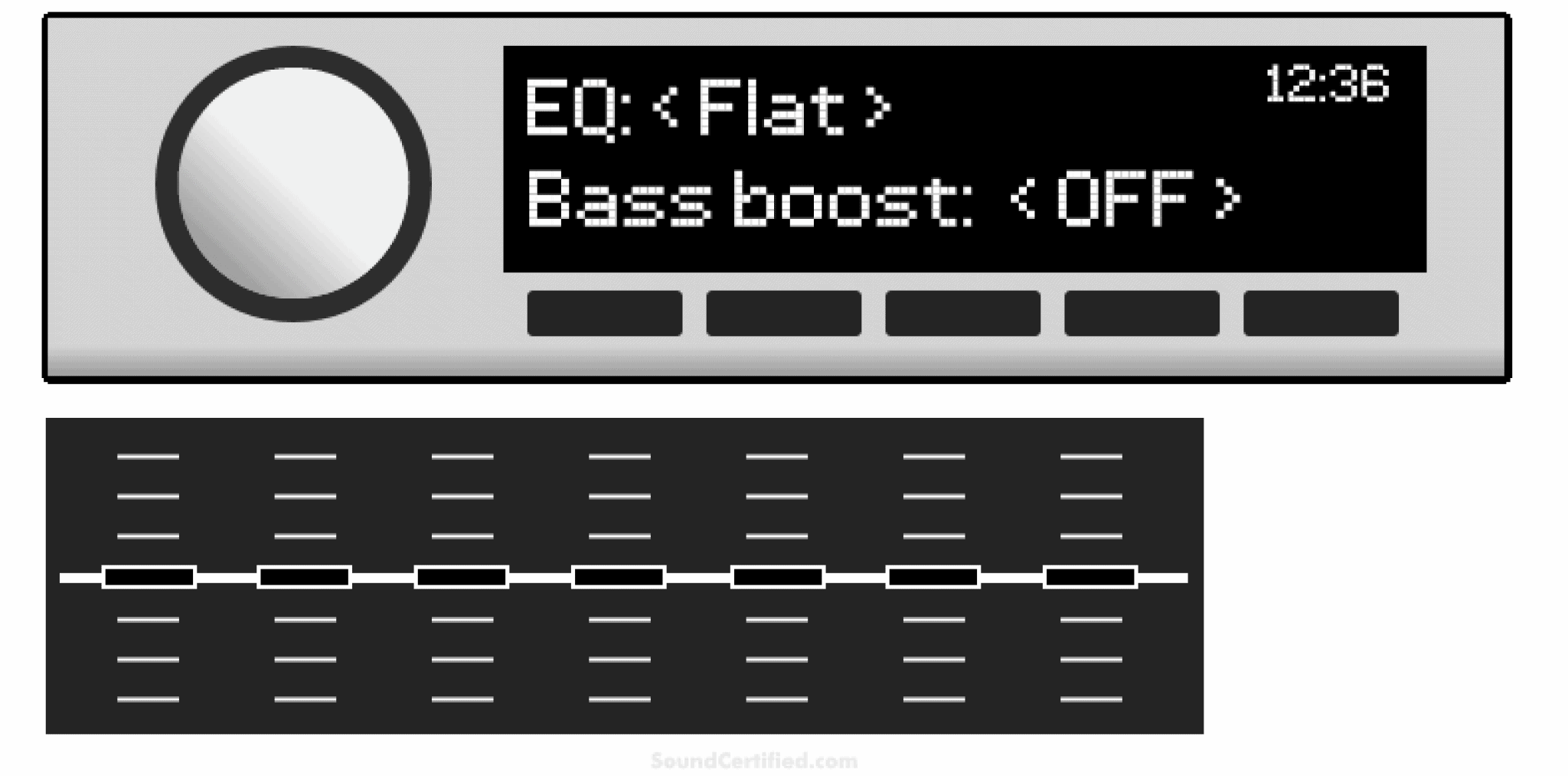
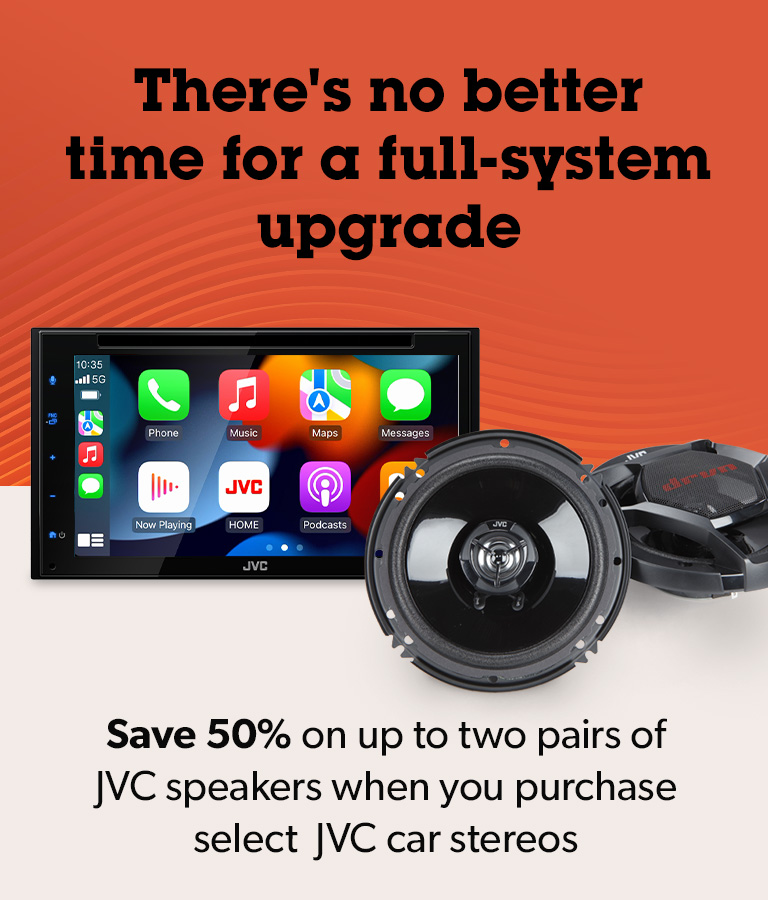
Check your car’s audio settings to improve sound quality. Increase the bass slightly for richer tones. Raise the treble for clearer voices and details. Balance the left and right speakers to avoid sound imbalance. Use preset modes like “speech” or “news” if available. These settings help make podcasts sound natural and pleasant.
Control Podcast Volume
Keep podcast volume steady and not too loud. Loud sounds cause distortion and discomfort. Lower volume when road noise is low, raise it a bit in busy traffic. Avoid sudden volume jumps by using the app’s volume control or your car stereo carefully. Smooth volume control protects your ears and keeps audio clear.
Reduce Background Noise
Background noise can distract from podcast audio. Close windows and sunroof to block outside sounds. Turn off noisy fans or air conditioning if possible. Use noise-cancelling car accessories like seat covers or window seals. These steps help reduce unwanted noise and improve podcast clarity while driving.
Credit: www.crutchfield.com
Use Podcast Apps For Better Control
Using podcast apps offers better control while listening through car speakers. These apps help organize shows and improve playback experience. They also provide useful features that basic players lack. This makes driving and listening safer and more enjoyable.
Popular Podcast Apps
Several apps work well for car listening. Spotify, Apple Podcasts, and Google Podcasts rank high. Pocket Casts and Overcast offer strong features too. Choose an app that fits your phone and needs. Most apps have easy interfaces for quick use while driving.
Offline Listening Options
Many podcast apps let you download episodes. This saves data and avoids interruptions on the road. Download shows at home or on Wi-Fi. Then listen offline without worrying about signal loss. Offline mode also helps save battery during long trips.
Playback Speed And Features
Adjust playback speed to fit your schedule. Speed up or slow down podcasts with a tap. Some apps have smart features like skipping silence. Others allow bookmarking favorite parts for later. These tools help control how and when you listen in the car.
Stay Safe While Listening
Listening to podcasts through car speakers can make drives more enjoyable. Safety must come first to avoid accidents and distractions. Simple habits help keep focus on the road while enjoying your favorite shows. Follow these tips to stay safe while listening.
Avoid Distractions
Keep your eyes on the road and hands on the wheel. Do not fiddle with your phone or audio device while driving. Set volume to a comfortable level before you start. Avoid changing episodes or adjusting settings while moving.
Set Up Before Driving
Connect your phone or media player to the car speakers before you begin driving. Choose the podcast and playlist you want to hear. Check that the connection is stable and the sound is clear. Prepare everything so you do not need to touch devices later.
Use Voice Commands
Use voice controls to play, pause, or skip episodes. Voice commands keep your hands free and eyes on the road. Activate your car’s assistant or your phone’s voice feature. Speak clearly and keep commands short for best results.

Credit: www.youtube.com
Frequently Asked Questions
How Do I Connect My Phone To Car Speakers?
To connect your phone to car speakers, use Bluetooth or an AUX cable. Most modern cars support Bluetooth pairing. Simply enable Bluetooth on your phone and pair it with your car’s system. For older cars, use an AUX cable to connect your phone’s headphone jack to the car’s AUX input.
Can I Use A Usb Cable For Podcasts?
Yes, many car stereos support USB connections for playing audio. Connect your phone to the car’s USB port using a compatible cable. This allows you to play podcasts directly from your phone. Additionally, some cars support media playback from USB drives, letting you store podcasts on a drive.
What Apps Work Best For Car Podcasts?
Popular podcast apps like Spotify, Apple Podcasts, and Google Podcasts work well in cars. These apps offer user-friendly interfaces and are compatible with most car systems. They allow you to download episodes for offline listening. Check if your car’s infotainment system supports these apps for seamless integration.
How Can I Improve Podcast Audio Quality In My Car?
To enhance audio quality, check your car speaker settings. Adjust the bass, treble, and balance for optimal sound. Ensure your phone’s volume is at a reasonable level. Using high-quality cables and connections can also improve audio clarity. Regularly update your podcast app for the best performance.
Conclusion
Listening to podcasts through car speakers is simple and fun. Choose the best connection for your car’s system. Use Bluetooth, AUX cable, or USB for clear sound. Adjust the volume to stay safe while driving. Enjoy your favorite shows on the road anytime.
This small change makes trips more enjoyable. Try different methods to see what works best. Start your podcast journey in the car today.

Similar Posts